Put healing items on your belt
Move a healing consumable from your inventory into an available belt or quick-access slot, then use that slot's shortcut to heal from the bottom-left toolbar. Keeping it on the belt lets you use it during combat without opening your inventory.
Belts add shortcuts; bags add storage
Your equipped belt determines the consumable shortcuts you have available. Collecting food does not make every item usable from the toolbar. If you have supplies but need another quick-use position, check your belt equipment separately from your bag.
| Equipment | What it changes |
|---|---|
| Broken Leather Belt | Adds one belt slot in the Prologue and opens a second consumable position. |
| Broken Small Bag | Expands inventory storage. Check your belt separately when you need another consumable shortcut. |
Equip and use a healing consumable
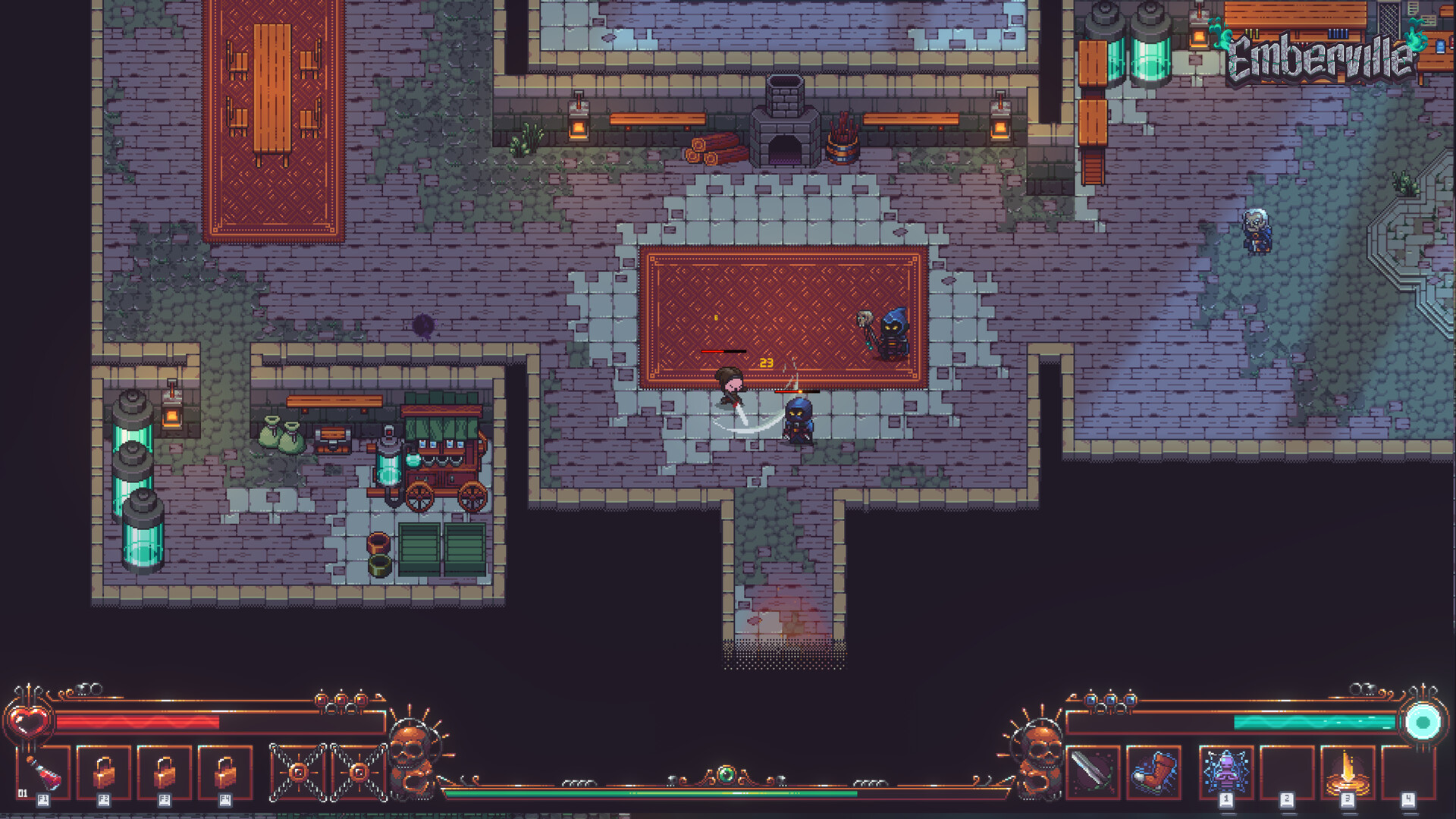
Open your inventory with I in the Prologue keyboard setup. If you have changed your bindings, use your assigned inventory key.Playing this video connects to YouTube.
Move the healing consumable you want to use into an available belt or quick-access slot.Playing this video connects to YouTube.
- Check the bottom-left toolbar for the item you assigned. Its presence there tells you the consumable is assigned to that shortcut slot.
Check your health after using the consumable. Recovery of lost health is the sign that the healing item worked.Playing this video connects to YouTube.
Check bindings and demo input fixes
Use inventory healing if the belt is empty
If the toolbar is empty, check whether you assigned a healing consumable and whether your equipped belt has room for it. Healing items can also be used directly from your inventory. Use that option while you arrange your belt, then return to the toolbar once your chosen item appears there.Playing this video connects to YouTube.