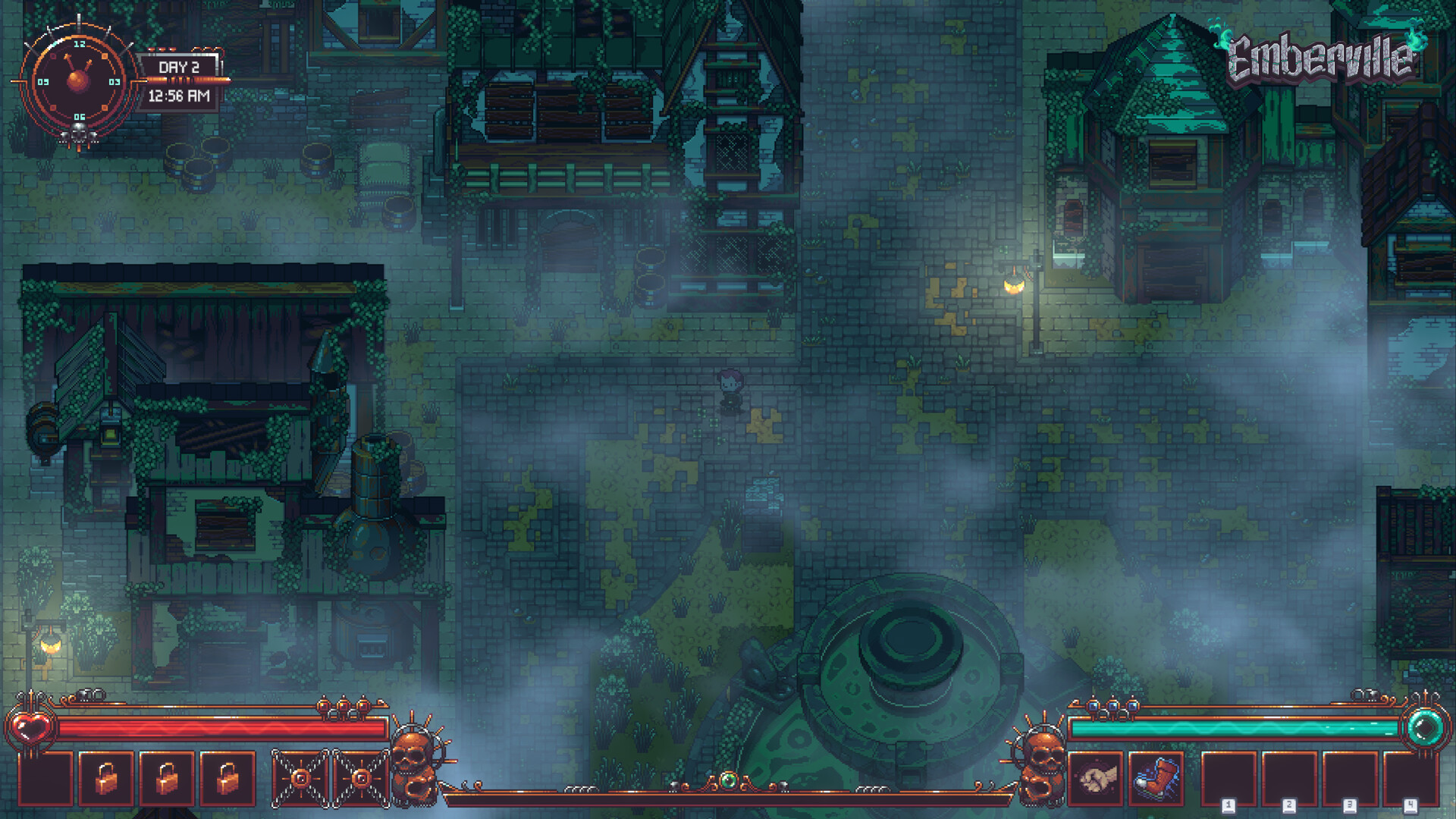
Get inventory and menu navigation working
Update the Emberville demo and retry the shoulder buttons: the demo patches include fixes for L/R input and controller menu navigation. If inventory screens still block you, try the Steam button and trackpad workaround reported by a Steam Deck player.
The trackpad method is a player-reported workaround for operating inventory screens. The official fixes address controller behavior in the demo, while further Steam Deck support is being worked on. Neither establishes that every handheld navigation problem is resolved.
Update the demo and test the affected menu
- Update your installed Emberville demo through Steam. Demo Alpha 0.20.18.x includes the official shoulder-button and controller menu-navigation fixes.
- Launch the updated demo. Keep your test focused on the menu interaction that was failing so you can make a useful comparison.
- Retry the shoulder buttons in the inventory or quest tab that gave you trouble. The official fix addresses L/R failing in some menus, so check your affected tab directly.
- Try using the Steam button and trackpad to operate the inventory screen if controller navigation still blocks you. This is the workaround reported by a Steam Deck player.
- Check whether you can complete the interaction that previously failed. Success means the intended tab responds to shoulder-button input, or the trackpad workaround lets you reach the inventory selection you needed.
Which fixes are already in the demo patches?
The earlier Alpha Demo 0.20.17.x notes listed L/R problems in some tabs and menus as a known issue. That patch also fixed the Back button and some key-rebinding problems. If you are comparing your experience with an older report, check which demo patch it describes.
Demo Alpha 0.20.18.x subsequently lists fixes for shoulder buttons, controller navigation, unwanted radial-menu opening, and crafted-item collection. These are demo patch changes. Use the symptom that matches your problem as the check after updating.
- Shoulder buttons: the patch fixes L/R failing to work properly in some menus. Check the particular tab or menu where those inputs previously failed.
- General menu navigation: the patch fixes some controller and gamepad UI-navigation issues. Test whether you can reach the selection that previously blocked you.
- Main-menu input: the patch fixes a controller problem that occurred in the main menu after creating a character. Keep that situation separate from an inventory-navigation failure.
- Radial-menu behavior: the patch fixes the controller radial menu opening at unwanted moments. Check whether the unwanted opening still interrupts your normal interactions.
- Dialogue interactions: the patch fixes a bug that allowed items to be consumed during dialogue. Include that symptom separately if it persists during conversations.
- Crafted-item collection: the patch fixes the action button failing to collect crafted items in the crafting menu. Retry collection there when checking this particular fix.
Keyboard navigation and operating-system support
The demo patch also adds keyboard-only menu navigation. The developer describes that implementation as unfinished and says it may have bugs. If you try keyboard input as another way through a troublesome menu, judge it separately from the shoulder-button fix.
The Steam listings identify Windows support for Emberville and its separate demo, while the main game's listing includes Partial Controller Support. Those describe different aspects of the game: operating-system support and input support. A controller fix, keyboard-navigation addition, or successful trackpad workaround does not by itself establish native SteamOS support.
Controller improvements planned for Early Access
Controller support is planned for Early Access launch, covering combat and menu navigation. The developer says the experience has not yet reached its intended quality level, and an on-screen keyboard will not be available initially. Keep that launch limitation in mind when deciding whether the handheld controls suit how you want to play.
Further controller refinements are planned for the first Early Access update, currently planned within the first month after launch. That announcement describes general improvements to the controller experience. When the update arrives, check its patch notes for your affected menu and retry the same interaction before deciding whether your problem is fixed.
If inventory or quest tabs still fail
Share a persistent problem in Emberville's Steam Community discussions or the official Discord, which the developer recommends for feedback. Include whether you are playing the demo or Early Access, your installed version, and the menu where input fails. Describe whether shoulder-button input is ignored and whether the inventory trackpad workaround helps.
Keep quest-tab switching, inventory selection, and crafted-item collection separate in your report. Explain what you tried and what happened after the input. A precise description makes it easier to compare the remaining problem with the patch fixes.