How Armor Mastery Works in the Prologue
In Emberville's Prologue, wearing armor develops its mastery, with separate Light, Medium, Heavy and Mixed tracks. Light, Medium and Heavy have mastery unlocks that replace your dash with Blink, Roll and Tackle respectively; Mixed's unique bonuses were marked Coming Soon in the preview.
Armor mastery, weapon mastery and class progression develop on separate tracks. Choose the armor bonuses and evasion style you want, then check the equipment conditions attached to those bonuses. Read each node's unlock state before planning around its effect.
Compare Light, Medium, Heavy and Mixed Armor
| Armor Track | Bonuses and Evasion |
|---|---|
| Light Armor | Its tree includes defense, Kymia recovery and additional Kymia capacity. With Blink unlocked, three Light pieces replace the dash with a short teleport. Teleport Master makes the next skill after Blink cost no Kymia. |
| Medium Armor | Its tree combines defense with critical chance and critical damage bonuses. With Roll unlocked, three Medium pieces replace the dash with a faster roll that travels farther. Roll Master makes the next attack or skill after rolling a guaranteed critical hit. |
| Heavy Armor | Its tree emphasizes defense and blocking. With Tackle unlocked, three Heavy pieces replace the dash with an evasion move that hits enemies along its path. Tackle Mastery adds brief invulnerability after using Tackle. |
| Mixed Armor | Mixed has a separate mastery entry for combining armor weights. Its unique bonuses were marked Coming Soon in the Prologue preview, and a distinct Mixed evasion ability was not demonstrated. |
Check both the mastery unlock and its matching-piece condition. Developing the track unlocks options, while the equipment requirement determines when the relevant effect applies. Recheck those conditions whenever you replace part of a matching set.
Choose and Develop Your Armor Track
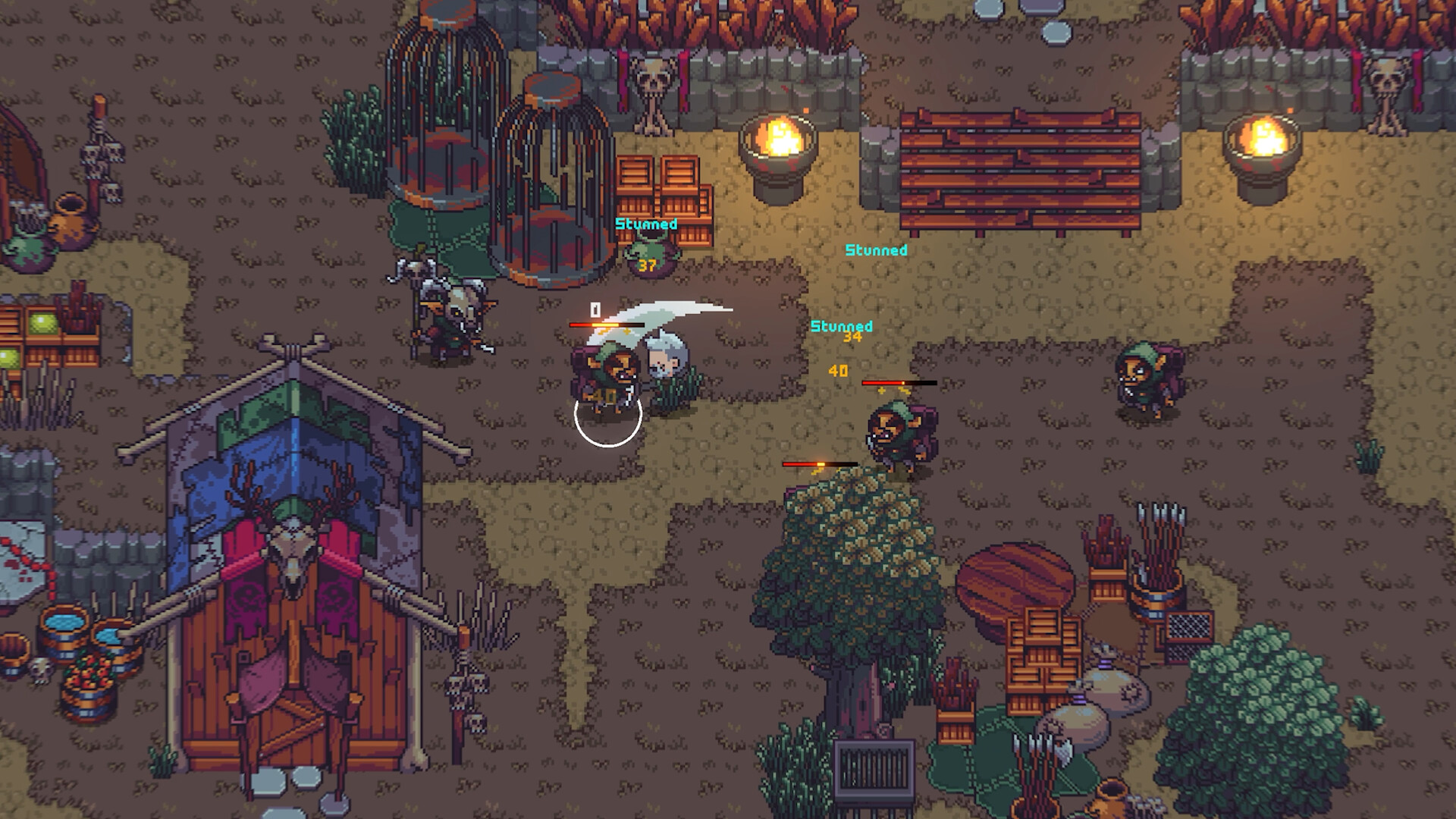
Open Masteries with K to inspect the armor category you want to develop and its available bonuses.Playing this video connects to YouTube.
Equip armor from your chosen weight category so that playing in that equipment develops the corresponding armor mastery.Playing this video connects to YouTube.
Hover over an armor item in your inventory to inspect its effects before deciding whether it belongs in your set.Playing this video connects to YouTube.
Open the character screen with C to review the stats and tooltips relevant to your equipment choice.Playing this video connects to YouTube.
Open the class menu with P to check your desired class's requirements and give your armor and weapon training a target.Playing this video connects to YouTube.
Revisit your armor mastery tree after playing in the chosen gear to check which bonuses and movement options have unlocked.Playing this video connects to YouTube.
Balance Protection, Weight and Equipment Effects
Heavier armor offered greater protection but increased weight and reduced movement speed in the preview. When repositioning feels difficult, consider whether the extra protection is worth the movement trade-off for you. Try a replacement during ordinary encounters before settling on it for your preferred set.
Read the full equipment comparison before choosing a replacement. Prologue comparisons show changes to critical chance, dodge chance, drop chance, movement speed and weapon-related damage, so an upgrade can help some parts of your setup while reducing others. Favor the effects that address your current needs, then recheck your armor mastery conditions after swapping.
Use Class Requirements to Guide Your Training
Additional classes can require weapon mastery, armor mastery and progress in another class. Read the requirements displayed for the class you want before changing your equipment plan. Use those requirements to decide which armor track needs attention, while keeping equipment that works with your current weapon.
Each class levels independently, and you can switch classes. Armor and weapon mastery remain separate progression tracks alongside that class development. Plan around the particular requirements shown in the class menu when choosing what to train next.
Pair Armor Bonuses With Your Weapon
Consider Light when Kymia recovery matters to the skills or magic staff you enjoy using. Its resource bonuses and Teleport Master offer reasons to develop the track for a skill-focused setup. Compare those benefits with your actual equipment effects before committing to a matching Light set.
Consider Medium when critical hits are part of your preferred approach. Its critical bonuses and unlocked Roll Master can complement that goal, while sword mastery also includes critical and bleed effects. That gives sword users a useful pairing to examine without making Medium mandatory for swords.
Consider Heavy when defense, blocking and moving through enemies fit how you want to fight. Its Tackle provides an evasion option that hits enemies along the way, with Tackle Mastery adding protection afterward. Check that those nodes are unlocked before building your approach around their effects.
Check Your Demo's Current Tooltips
The newer demo patch adds Armor Mastery icons and fixes attack-rate calculation issues. Use your updated game's descriptions and displayed values when comparing equipment. Pay particular attention to the written conditions when following an older Prologue walkthrough.
The public Steam Next Fest Demo includes the Prologue, and its progress carries into Early Access. Saves from the creator and press preview do not transfer. The public demo therefore lets you begin developing the equipment combination you want to continue using.